Job Setup
Users can setup a job for scanning samples. The Scan Settings dialog helps users setup jobs, and can be accessed via nScan - Stage View > Scan > Sample…
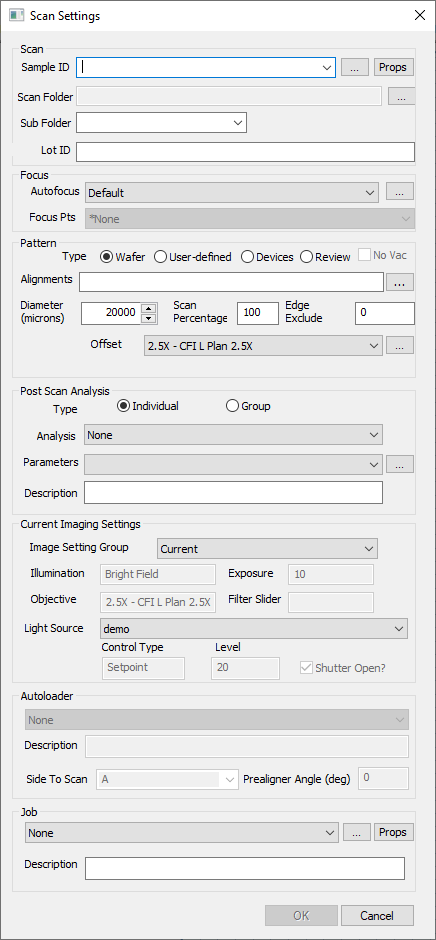
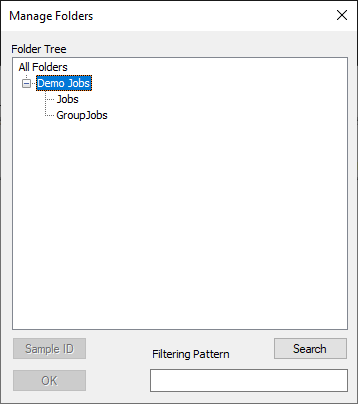
Once a job is saved via the … button in the Job section of the Scan, saved jobs can be accessed via nScan - Stage View > Scan > Jobs…
Jobs can be put into Group Jobs, which will run jobs in succession. Group jobs can be edited at nScan - Stage View > Scan > Edit Group Jobs…