Viewing Data in nView
Viewing Image Data in nView
One of the most important tools for viewing data is nView. nView allows users to view images of past scans. Users can navigate to nView by viewing the past image scans at nSpec - Main View> File > Open Image Set…
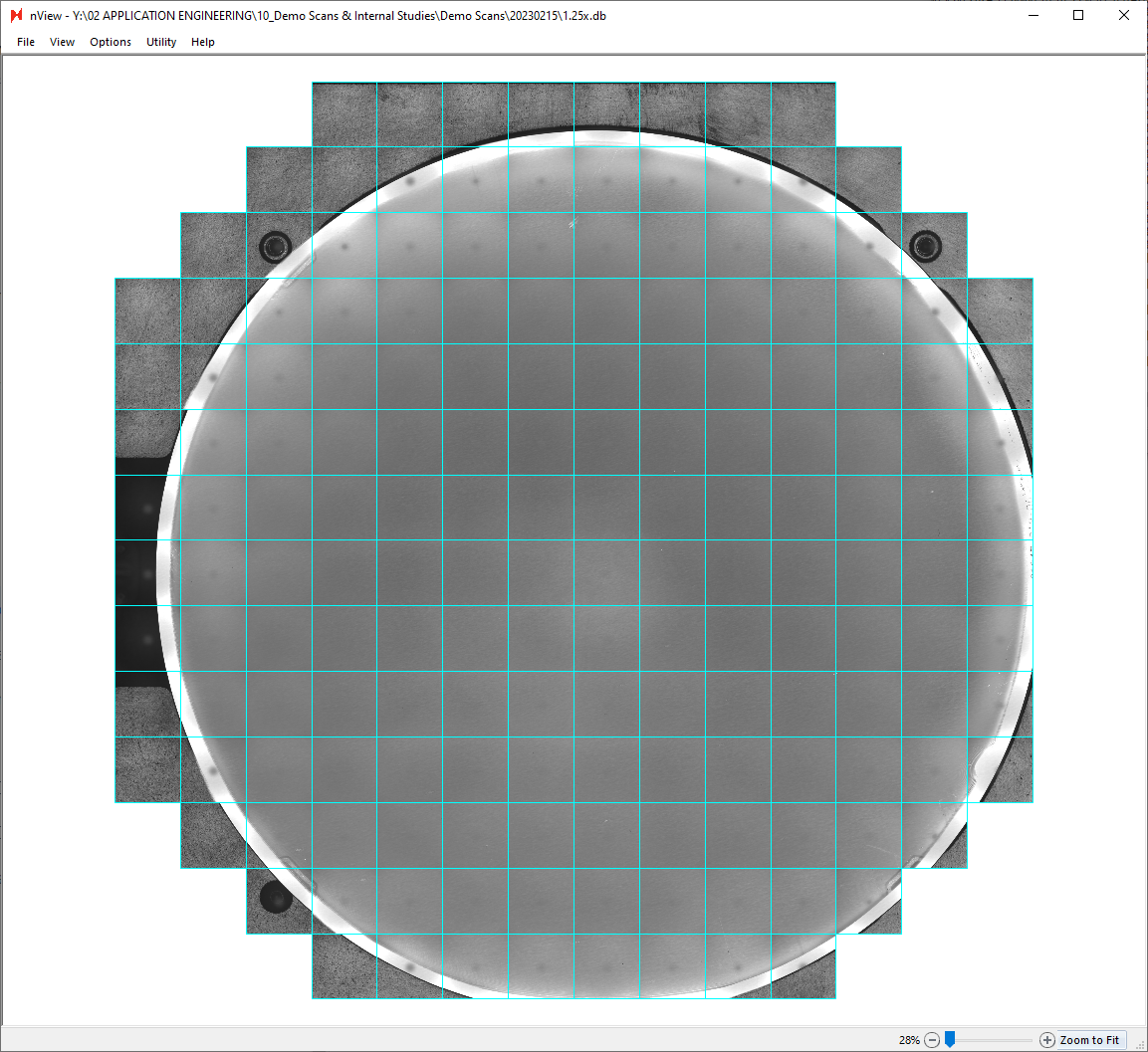
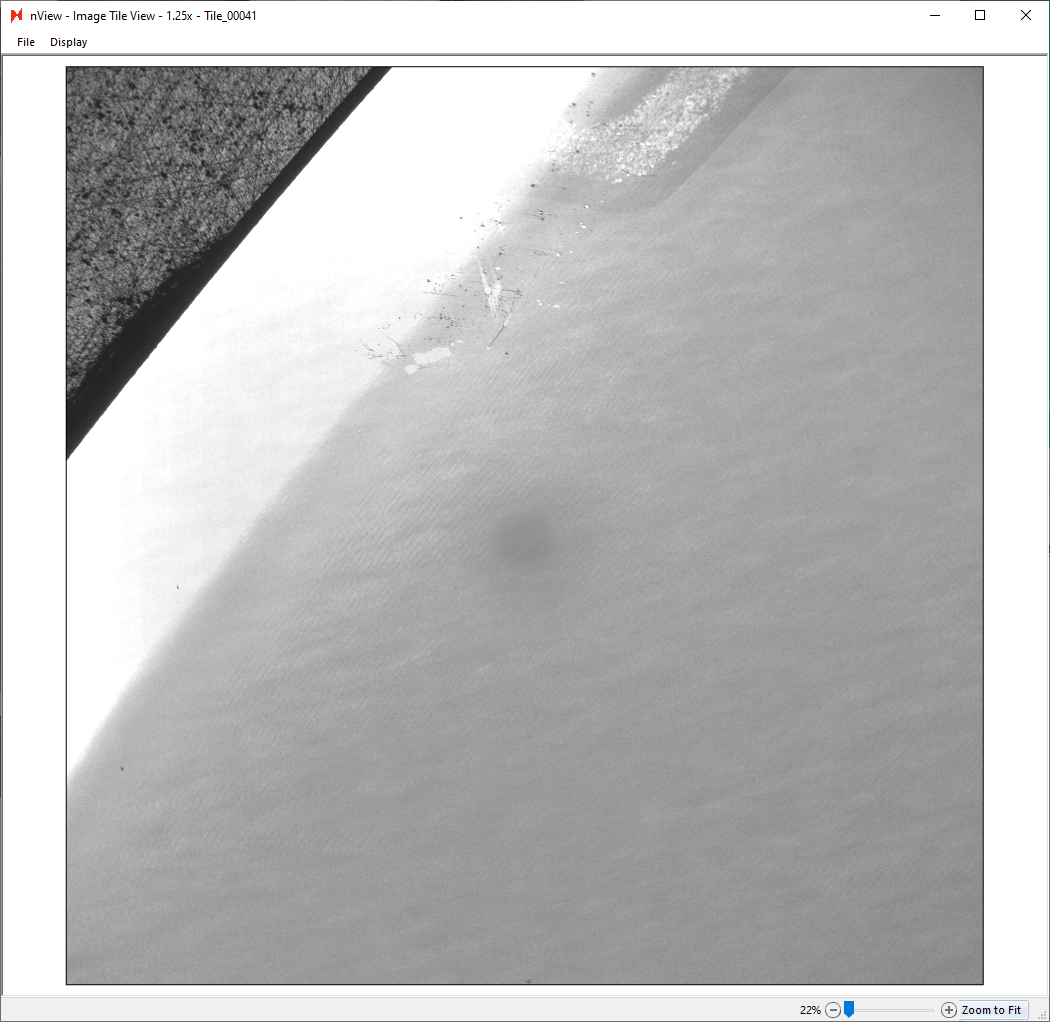
Clicking on any individual tile in nView will open a window with an enlarged view of the tile.
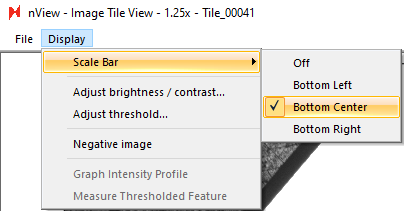
Users can enable display tools like scale bars and image thresholding at nView - Image Tile View > Display.
Viewing Analysis Data in nView
Users can also view analysis data in nView, particularly defect data if a vision-based analysis has been performed like Basic Selection or Device Inspection. These completed analyses can be viewed at nSpec - Main View > Analysis > View Analysis Results.
The following is a Defect Count Report.

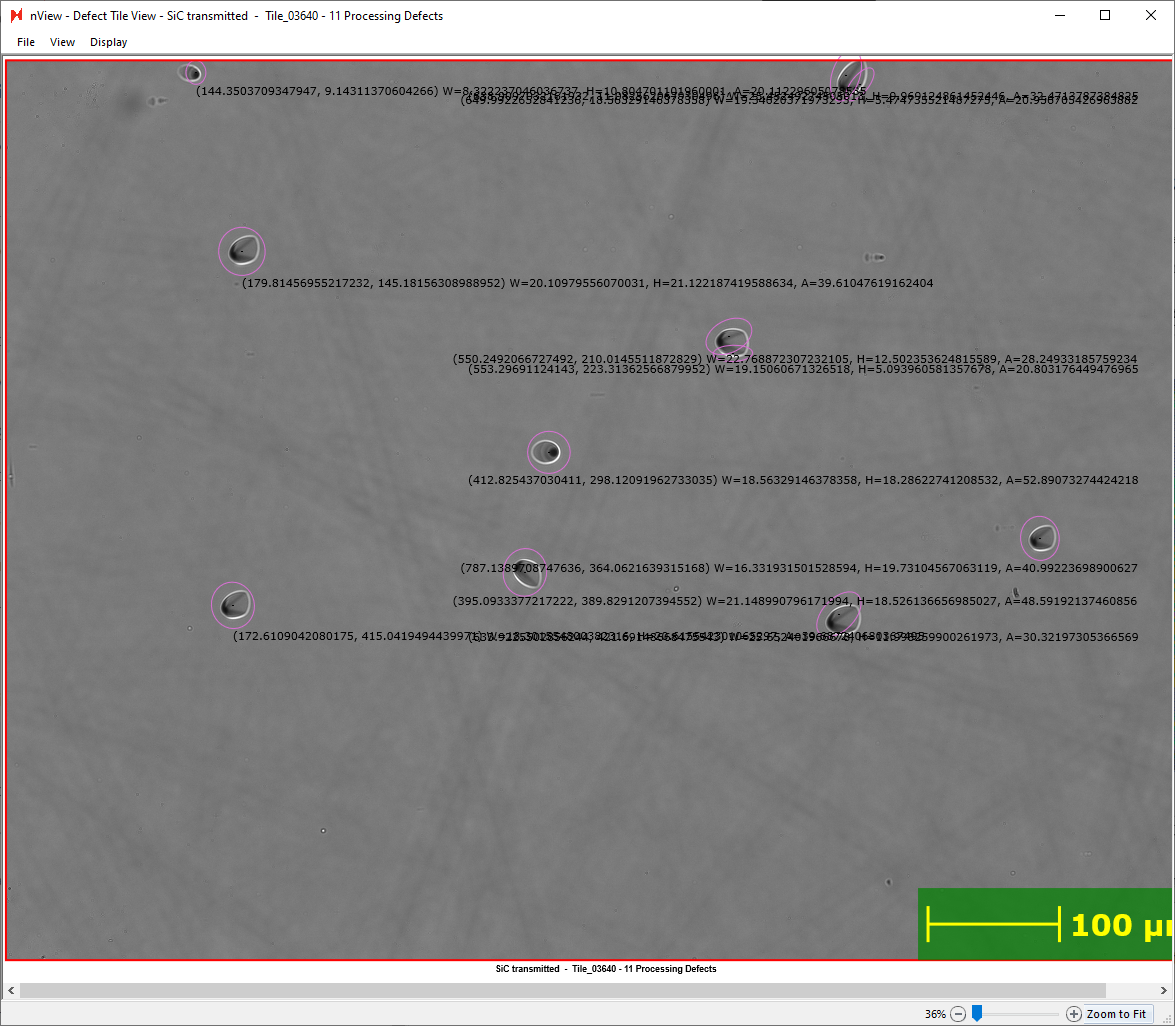
Clicking any tile will show the enlarged tile image, along with annotations of detected defects and locations.